 dosya.dev
Get the app
Free to use with any dosya.dev account. Create one in a minute - 5 GB, no credit card. Pick your platform below.
v3.0.7 · 116 MB
Verify checksum (SHA-512)
dosya-3.0.7-x64.exe 4ktQb50PYxfVNgTt3R4zOususcxbZm2dayKNpFd3ETDPcb1vMM/2/LCU86Htp3hLK1zc+KwnFBSGEq8ttfc/zw== If SmartScreen prompts during install, verify this checksum before continuing.
Requirements
- Windows 10 or later
- 64-bit (x64) processor
- 4 GB RAM minimum
- 500 MB disk space
v3.0.7 · 244 MB
Verify checksum (SHA-512)
dosya-3.0.7-arm64.dmg Z69yx1Adw8IsgBRwJ40vxQoc/6Vi3lpGLx8eDnsCbmrPd3AxrOUXwer/T1IIfatRV4rBQLa/j3VAKWn/VQdVeA== Signed with an Apple Developer ID certificate and notarized by Apple. The ticket is stapled, so Gatekeeper verifies it offline on first launch.
Requirements
- macOS 12 (Monterey) or later
- Apple Silicon (M1 or later)
- 4 GB RAM minimum
- 500 MB disk space

v3.0.7 · 154 MB
Verify checksum (SHA-512)
dosya-3.0.7-x86_64.AppImage DIlKbg0NFzO5+rRAGiJhALjOdWDeA8vIxBJ9eCZSgM94djt4mUlvHvolEOQr4NoO1UO8vV/CPgYHS6/3IYjpag== dosya-3.0.7-amd64.deb yhXe4UmmrW/LorK0/WcFQC/B73BxGKpUuq9fiZzitdi0vJY2sOqhVdcOWbbgQ31BNQDDcsxHMWF++ApSwe3DdQ== Neither package is signed - verify the checksum first. For the AppImage, make the file executable (chmod +x) and run it; for the .deb, install it with sudo apt install ./<file>.
Check locally with openssl dgst -sha512 -binary <file> | openssl base64 -A - the same command our release pipeline runs to publish these values.
Requirements
- Ubuntu 22.04+, Fedora 38+, Debian 12+
- 64-bit (x64) processor
- 4 GB RAM minimum
- 500 MB disk space
Latest release: v3.0.7 · September 2026
On your phone? Get the dosya.dev mobile app
Good to know
- Updates: the built-in updater downloads from dosya.dev's own feed and checks each package's SHA-512 before installing.
- No telemetry: the app connects to dosya.dev services only - your files and the update feed. No analytics, and crash reports are written to your disk, never uploaded.
- Source-available: read the client's code at github.com/dosya-dev/desktop.
See it in action
Real screenshots of the app, shown with sample data.
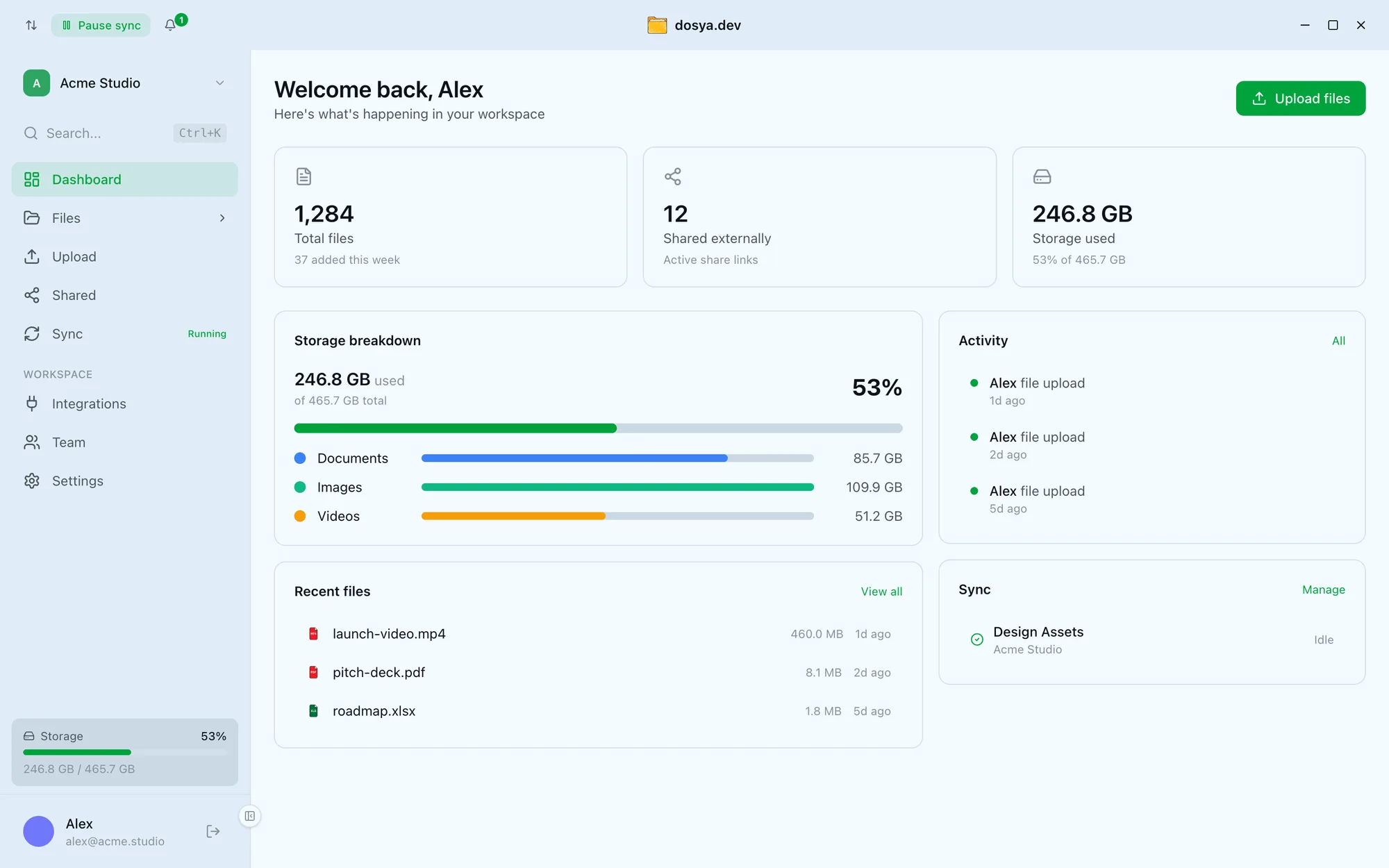
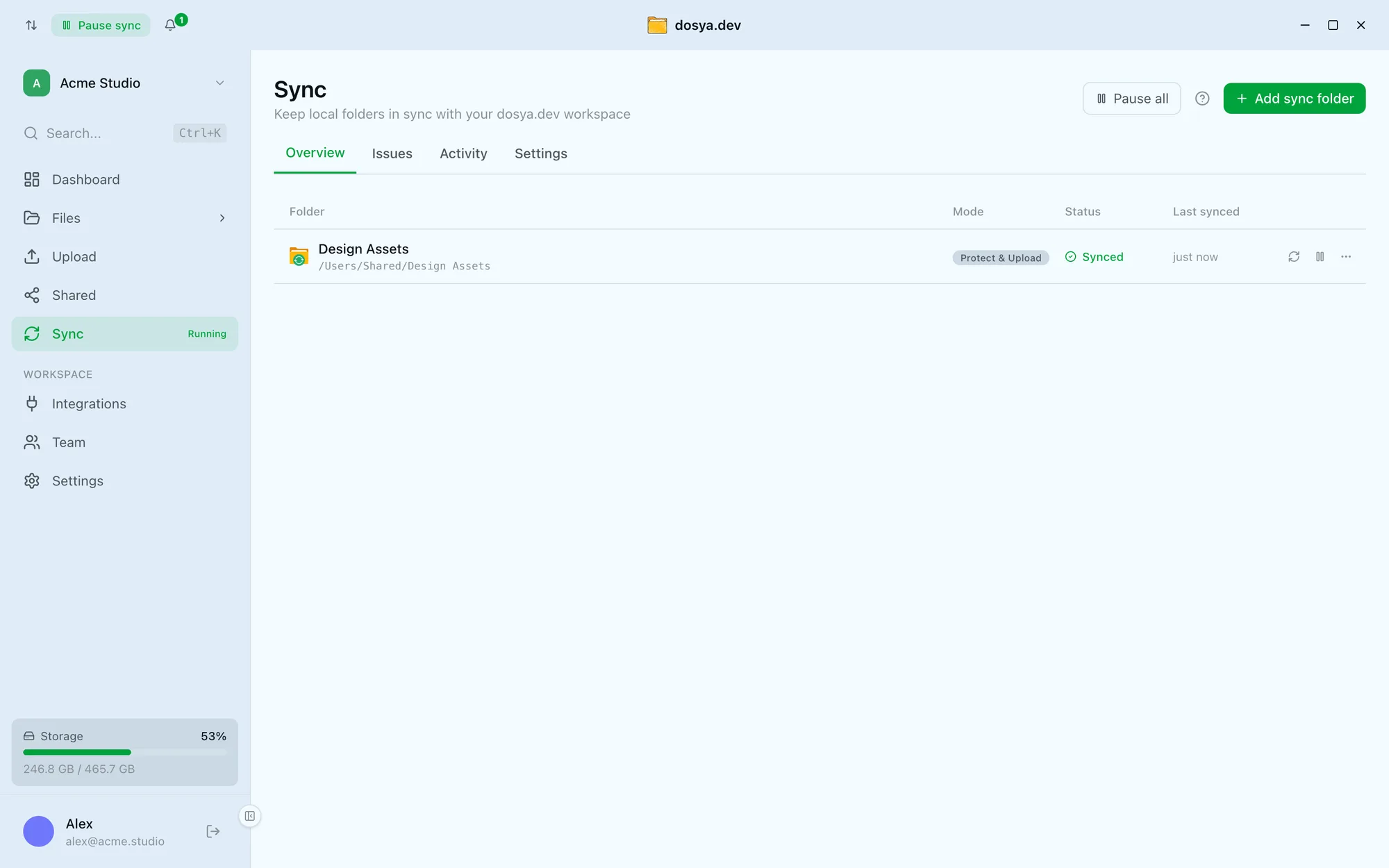
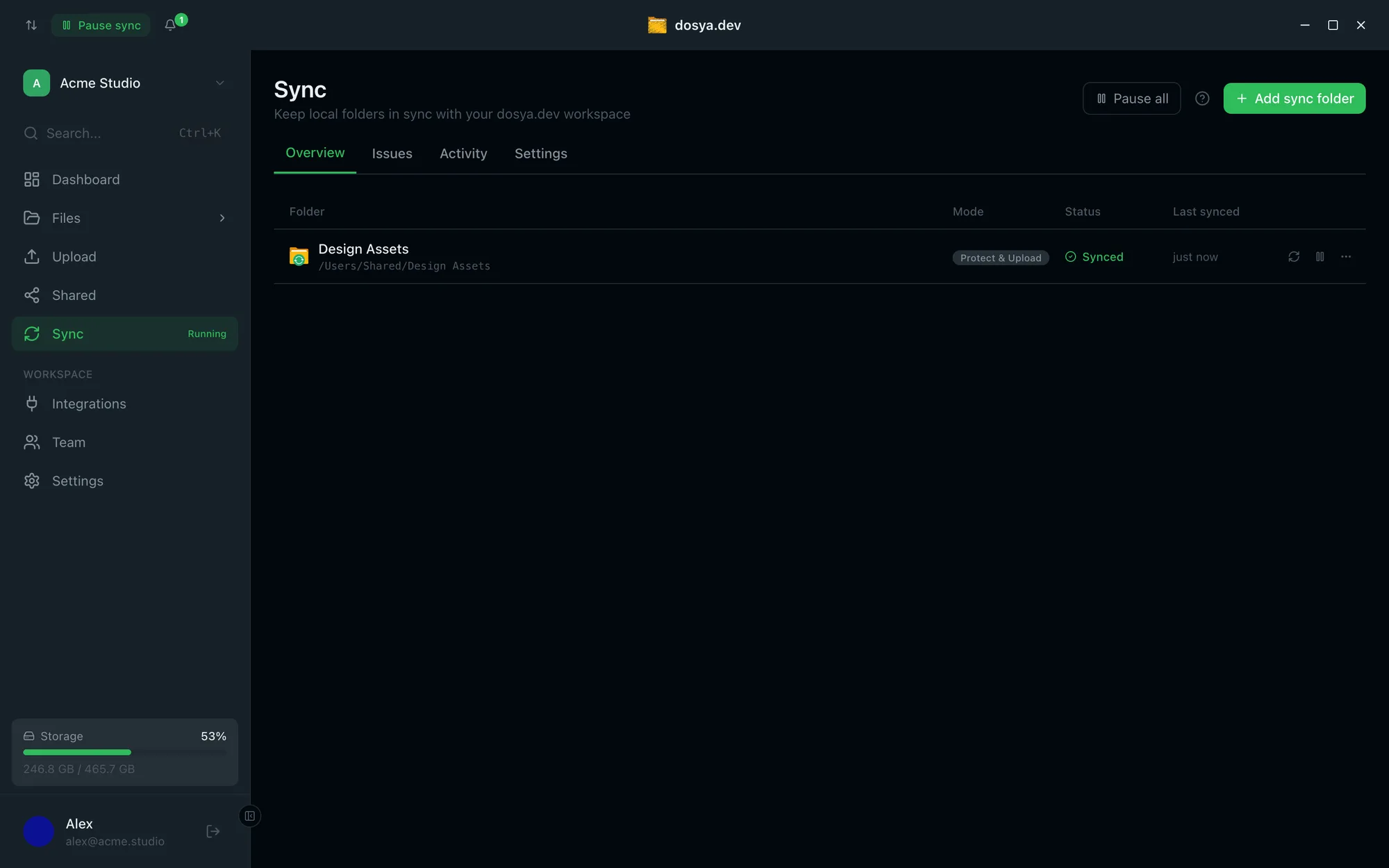
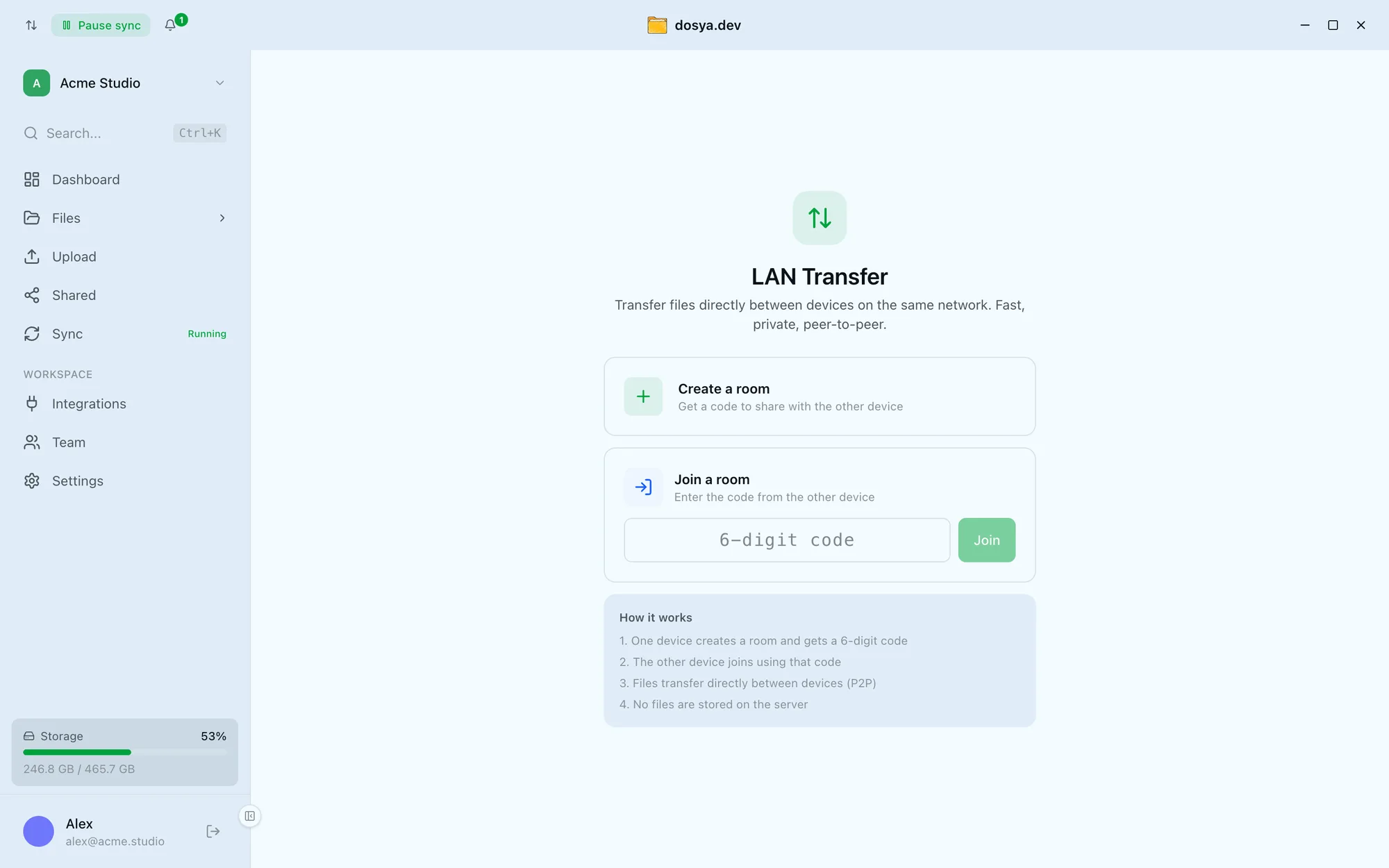
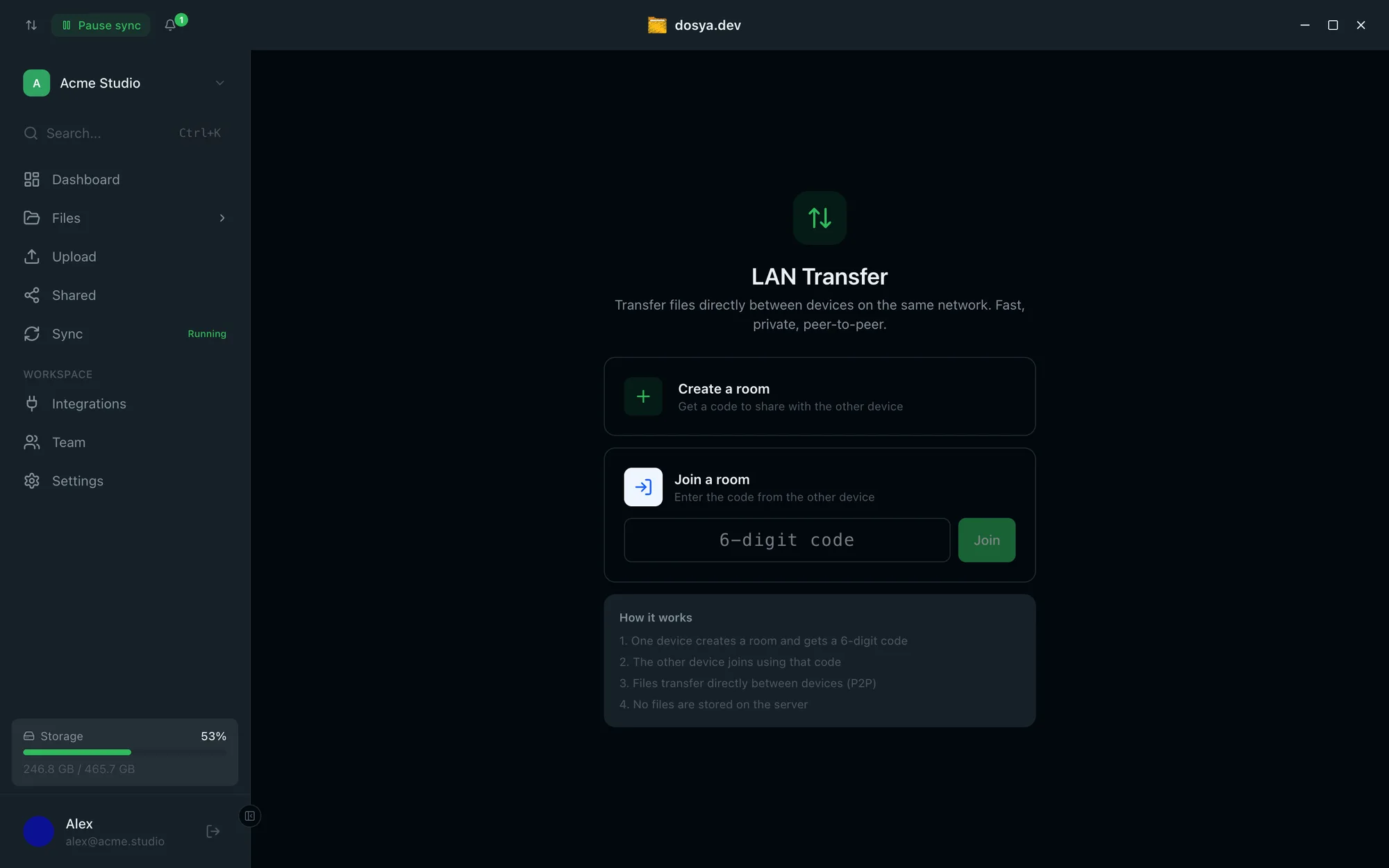
Storage, activity, and recent files in one view - and one-click switching between personal and team workspaces without opening a browser. Pick a folder and it stays mirrored to your workspace. The engine watches for changes and uploads in the background while you keep working - pause one folder or everything in a click. Move files straight between your devices on the same network - peer to peer, with a 6-digit room code. No files are stored on the server. How it works
Drag and Drop Uploads
Drop files and folders directly from your file manager. No browser needed.
System Notifications
Get notified when uploads finish, files are shared with you, or storage is running low.
Encrypted in Transit and at Rest
Files travel over TLS and rest in AES-256 encrypted storage. Need more? The Vault is end-to-end encrypted - the server holds only public keys and ciphertext.
Version history
Recent dosya.dev platform releases - full detail lives in the changelog. These are numbered separately from the desktop app's own version above, which comes from its release manifest.
-
Platform v1.7.0
Aug 25, 2026Office editing and EPUB reading landed in the desktop app, sync got a faster local index, and notifications expanded to cover security and billing events.
-
Platform v1.6.1
Aug 12, 2026Desktop sync and the CLI now match the web app's file-visibility rules, and a bug that stalled file deletions from reaching other devices is fixed.
-
Platform v1.6.0
Aug 5, 2026Duplicate finder, Photo map, remote download by URL, and Google Drive import shipped, alongside granular access controls.